
Small business digital marketing is not about being everywhere online at once. It is about using the right online channels to reach your ideal customers, build trust, and turn interest into loyal clients. For a business with limited time and budget, the smartest approach is to focus on a few high-impact strategies and do them well.
Digital marketing for small businesses refers to using online channels and strategies to promote products or services, reach target audiences, and achieve specific goals. Traditional marketing methods still matter, but the internet has changed how customers discover and evaluate businesses. A practical plan for 2026 starts with clarity about your audience, your message, and the channels that connect them.
What Is Digital Marketing for Small Businesses?
At its core, digital marketing for small businesses is the practice of promoting your business through online channels. That includes your website, search engines, social media platforms, online ads, and the content you publish. Each channel serves a purpose, and together they help customers find you, learn about you, and decide to buy from you.
Traditional methods like print ads and word of mouth remain relevant. However, the internet has led to new methods that give small businesses more affordable ways to compete. Digital marketing has evolved how businesses market to the public, and it now offers tools that level the playing field between a local shop and a much larger competitor.
Why Digital Marketing Matters for Small Business Growth
Every small business, no matter how new or established, should look at digital channels as a way to generate leads and convert interest into customers. When someone searches for your product or service, your online presence is often the first impression they get. If they cannot find you, they are likely to choose a competitor who shows up.
Digital marketing also gives you control over how your story is told. You can share your experience, your values, and your approach in your own words. For a small business, that personal connection is a real advantage. Customers want to know who they are buying from, and a clear online presence builds that trust before the first conversation ever happens.
Build a Simple Digital Marketing Strategy
An effective marketing strategy in 2026 starts with defining your audience. Think about who your best customers are, what problems they need solved, and what words they use when searching for help. The more specific you can be, the easier it is to create content and ads that feel relevant.
Next, set clear goals. Do you want more website visitors, more phone calls, more foot traffic, or more online orders? Choose one or two primary goals and shape your efforts around them. When you know what you are trying to achieve, you can measure progress and make better decisions about where to invest your time.
Finally, select your channels. Digital marketing works best when small businesses focus on a few high-impact channels instead of trying to do everything. A small team cannot maintain a strong presence on every platform. Pick the channels where your customers actually spend time and commit to showing up there consistently.
High-Impact Digital Marketing Channels
You do not need every tool available. A focused set of channels will serve you better than a scattered approach. Here are the areas most small businesses should consider.
A Search-Optimized Website
Your website is your digital home base. It is where customers learn about your services, see your work, and contact you. Search engine optimization, or SEO, helps your site appear when people search for what you offer. Simple improvements like clear page titles, useful content, and a fast, mobile-friendly design can make a meaningful difference in how often your business is found.
Social Media That Fits Your Business
Social media lets you connect with customers where they already spend time. Platforms like Facebook and Instagram are common starting points for small businesses. You can share updates, answer questions, and show the personality behind your brand. Consistency matters more than perfection, and regular posting helps keep your business visible.
Paid Ads With a Clear Purpose
Online advertising on platforms such as Facebook, Instagram, and Google can help you reach new audiences quickly. Paid ads work best when they are tied to a clear goal, like driving website visits, generating form submissions, or promoting a seasonal offer. Start small, track what happens, and scale the ads that perform.
Useful Content
Content creation is one of the most practical ways to earn trust. Blog posts, photos, videos, and simple guides that answer common customer questions position your business as helpful and knowledgeable. Over time, that content also supports your SEO by giving search engines more reasons to show your site.
How to Budget for Small Business Digital Marketing
Budgeting is a common challenge for small businesses. One approach that appears in digital marketing guidance is the 70/20/10 rule. Under this model, the largest portion of your budget supports strategies that are already working, a smaller portion goes toward newer efforts that show promise, and a small slice is set aside for experiments.
It is also possible to start with a mix of free and paid strategies. Many digital marketing efforts require time more than money. Publishing content, responding to reviews, and updating your website are tasks that any business owner can begin without a large advertising budget. As you see what works, you can move more money into the channels that deliver results.
Measure the Metrics That Matter
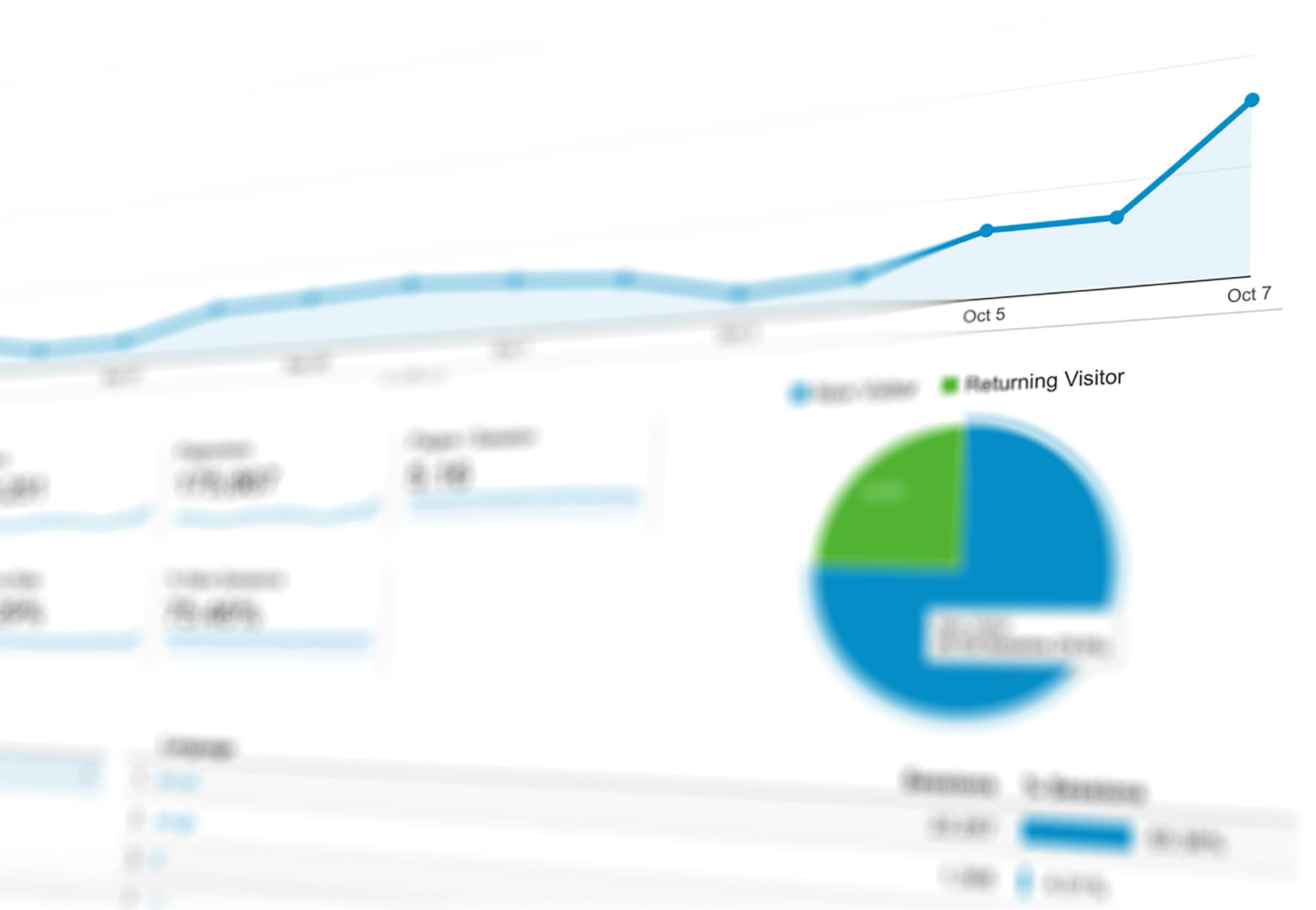
Digital marketing gives small businesses access to data that traditional marketing never offered. Instead of guessing what worked, you can look at real numbers. Common measures include website traffic, leads, conversions, and return on investment.
Key metrics and ROI are essential parts of digital marketing basics. You do not need to track every number available. Pick a few that connect directly to your goals, check them regularly, and make decisions based on what the data tells you. If a channel is not producing leads or sales, adjust your approach or shift resources elsewhere.
When to Handle It Yourself or Hire Help
Some small business owners enjoy learning and managing their own marketing. Others quickly realize that consistent marketing takes time away from running the business. Both paths are valid, and the right choice depends on your schedule, skills, and budget.
Working with a digital marketing provider can give you access to skills you do not have in-house, including web design, SEO, advertising, content creation, photography, and video production. A reliable partner can also bring a fresh perspective and keep your marketing moving forward while you focus on customers and operations.
Frequently Asked Questions
How should a small business start with digital marketing?
Start by defining your ideal customer and the message you want to share. Then choose one or two high-impact channels, such as a search-optimized website and one social media platform. Build a consistent presence there before adding more. As you learn what works, expand your efforts and adjust your budget based on results rather than trying everything at once.
What is the 70/20/10 rule in marketing?
The 70/20/10 rule is a budgeting approach for marketing. It reserves most of your budget for strategies that already work, a smaller portion for newer initiatives showing promise, and a small amount for experimental ideas. This structure keeps your marketing stable while allowing room to test new channels without risking your whole budget.
Which digital marketing channels should a small business use first?
Digital marketing works best when small businesses focus on a few high-impact channels instead of trying to do everything. Strong starting points include a website that is easy to find through search engines, a social media presence on the platform your customers use most, and online ads once you have budget to test. Choose channels that fit your audience and your capacity to stay consistent.
Should a small business hire a digital marketing agency?
Many small businesses begin with do-it-yourself marketing, but consistency takes time. An agency or freelancer can handle web design, SEO, ads, content creation, and video production, which gives you back time to run your business. Hiring is worth considering when you lack the skills, time, or interest needed to keep marketing consistent and effective.
Small business digital marketing in 2026 does not require a massive budget or a large team. It requires a clear understanding of your audience, a focused set of channels, and the discipline to keep showing up. Start with the basics, measure your results, and build from there. Over time, consistent digital marketing becomes one of the most reliable ways for a small business to grow.

In today's fast-paced digital world, high-quality visuals are often the first (and sometimes only) thing that grabs a potential customer's attention. For brands and businesses running social media campaigns, email newsletters, website banners, or paid ads, basic photo editing isn't just a nice-to-have—it's essential for standing out in crowded feeds and building trust.
At Shield of Faith Marketing LLC we see firsthand how even simple edits can boost engagement by 20-50%, increase click-through rates, and make content feel more professional and on-brand. You don't need to be a Photoshop wizard or spend hours in complex software. Mastering a handful of foundational techniques with beginner-friendly tools can deliver polished, marketing-ready images quickly.
Why Basic Photo Editing Matters in Digital Marketing
Unedited or poorly lit photos can appear flat, inconsistent, or unprofessional, which subtly undermines brand credibility. Edited images:
- Grab attention faster — Brighter, more vibrant visuals stop scrolls on Instagram, TikTok, or Facebook.
- Maintain brand consistency — Uniform color tones, lighting, and cropping create a cohesive look across posts.
- Optimize for platforms — Proper sizing and aspect ratios prevent awkward cropping by algorithms.
- Drive better results — Subtle enhancements make products look more appealing, leading to higher conversions and shares.
The goal isn't heavy manipulation—it's enhancement that feels natural and aligns with your brand voice.
Recommended Free or Beginner-Friendly Tools (2026 Edition)
You don't need expensive subscriptions to start. Here are some of the most accessible options right now:
- Snapseed — (Free mobile app from Google) — Legendary for quick, powerful mobile edits with selective adjustments.
- Canva — Drag-and-drop editor with built-in templates, perfect for adding text/overlays while tweaking photos.
- Adobe Express — Free tier offers AI-powered background removal, quick color fixes, and marketing-focused templates.
- Pixlr — Browser-based, close to Photoshop basics without the learning curve.
- Photopea — Free online Photoshop clone if you want layers and more advanced control.
For mobile-first marketers, Snapseed or Adobe Express often wins for speed.
Essential Basic Photo Editing Techniques for Marketing Content
Focus on these core adjustments in almost every image:
1. Crop & Straighten
Remove distractions, improve composition, and match platform specs (e.g., 1:1 for Instagram posts, 4:5 for stories, 1080x1920 for Reels).
2. Adjust Exposure & Contrast
Fix overly dark or washed-out shots. Increase **brightness/exposure** slightly if needed, then boost **contrast** to make elements pop without looking harsh.
Many tools have an "Auto" button as a great starting point—then fine-tune manually.
3. Correct White Balance & Color
Remove unwanted color casts (yellow from indoor lights, blue from shade).
Increase **vibrance** (not full saturation) for natural color pop—over-saturated images scream "edited." Aim for true-to-life but slightly enhanced tones that match your brand palette.
4. Sharpen & Reduce Noise
Add subtle **sharpening** to make details crisp (especially product shots or text-heavy graphics).
If shooting in low light, lightly reduce **noise** to clean up grain without making the image look plastic.
5. Remove Simple Distractions
Use spot healing or clone tools for small blemishes, dust, or stray objects. For backgrounds, try AI-powered **remove background** features (available in Adobe Express, Canva, and others) to isolate products cleanly for white-background e-commerce or composite designs.
6. Apply Subtle Filters or LUTs (Look-Up Tables)
Choose 1-2 brand-consistent filters rather than trendy ones that change weekly.
Many apps let you create and save custom presets for speed and consistency.
7. Resize & Export Correctly
Always export at the right dimensions and quality:
- Social media: 1080px wide max for most platforms
- Web: 72-96 DPI, save as JPEG or WebP
- Avoid over-compression that adds artifacts
Quick Workflow Tip: Edit Like a Pro in Under 5 Minutes
1. Crop & straighten first
2. Auto-adjust → manual tweaks to exposure/contrast
3. White balance + vibrance
4. Selective brighten (e.g., eyes/products) if needed
5. Sharpen lightly
6. Export optimized versions for each platform
Final Thoughts
Great digital marketing doesn't require Hollywood-level retouching—it requires consistency, clarity, and visual appeal that resonates with your audience. By mastering these basic edits, your team can create scroll-stopping content faster and more affordably.
If your brand struggles with inconsistent visuals, time-consuming edits, or underwhelming engagement from imagery, our team at [Your Digital Marketing Company Name] can help. We offer photo editing audits, custom preset creation, and full visual content strategies tailored to your goals.
Ready to level up your visuals? Drop us a message—we'd love to see your before-and-afters or chat about your next campaign!
What basic editing technique has made the biggest difference in your marketing content?
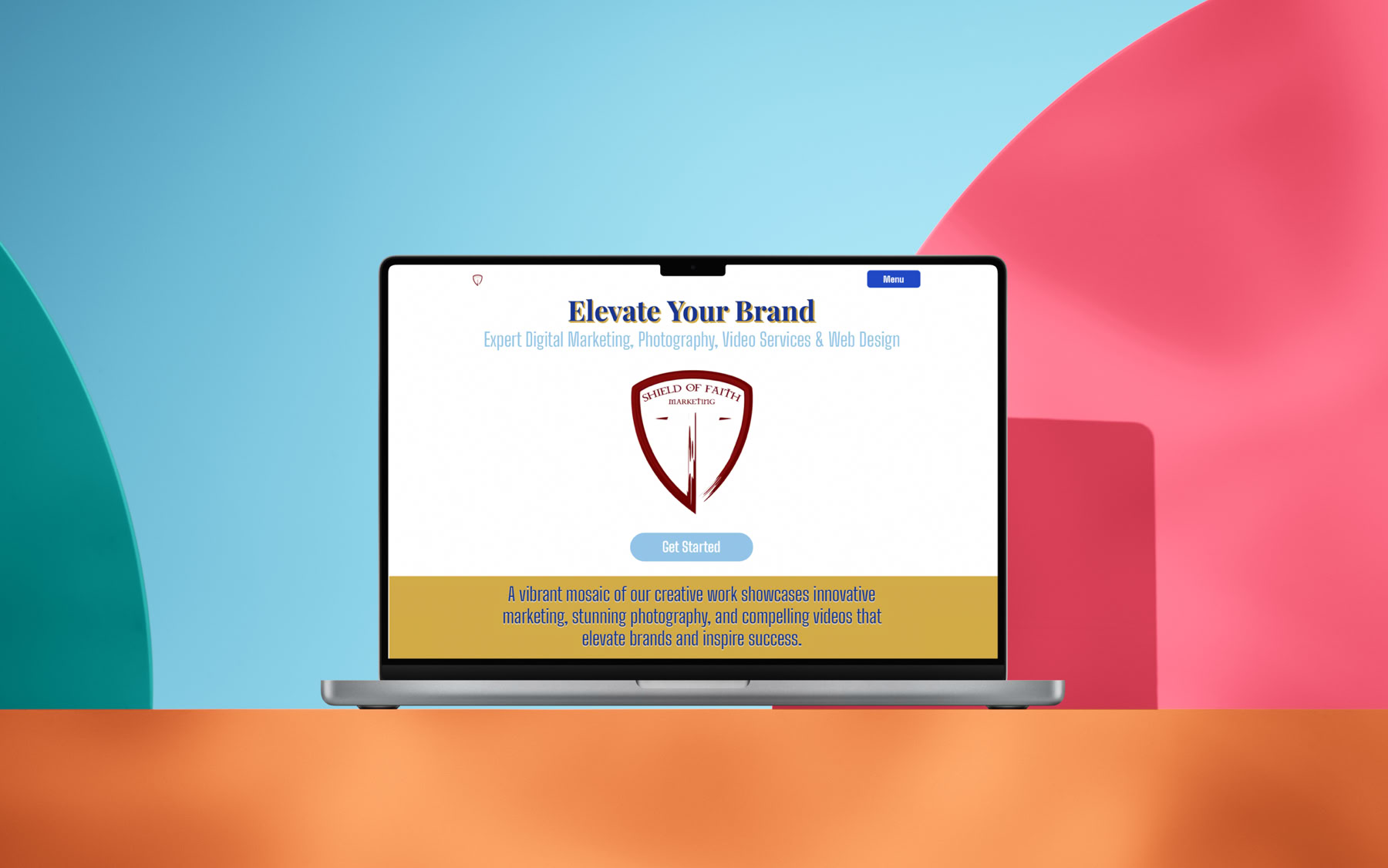
A great website isn’t just a digital billboard—it’s a conversion machine. For small businesses, where every click counts, smart design can turn visitors into customers without breaking the bank. At Shield of Faith Marketing, we’ve seen what works: clean, user-friendly layouts that deliver results. Here are five simple ideas to elevate your site and boost conversions.
1. Intuitive Navigation in Three Clicks
Nobody wants to hunt for what they need. Keep your menu simple—Home, About, Services, Contact—with dropdowns only if absolutely necessary (e.g., sub-services). Test it: can a first-time visitor find your pricing or contact form in three clicks? If not, streamline. Use bold, readable fonts like Lato or Open Sans, and stick to 5-7 menu items max. A sticky nav bar that stays visible as users scroll keeps options handy without clutter.
2. A Hero Section That Hooks
Your homepage’s top fold is prime real estate. Craft a hero section with a bold headline (e.g., “Grow Your Business Online Today”) and a crystal-clear value proposition (e.g., “Affordable Web Design That Converts”). Pair it with a high-quality image or video—think a smiling team or your product in action. Add a single, prominent call-to-action (CTA) button like “Get Started” in a contrasting color (e.g., blue on white). Keep it under 10 words total—short hooks convert faster.
3. Clear Calls-to-Action That Invite
CTAs are your conversion lifelines. Avoid aggressive “Buy Now” screams; go for gentle nudges like “Learn More” or “Request a Quote.” Place them strategically—after service descriptions, in the footer, or as floating buttons on long pages. Use button styles with subtle hover effects (e.g., a light shadow) to draw attention without overwhelming. Test two versions (e.g., “Contact Us” vs. “Talk to Us”) to see what clicks with your audience.
4. Fast-Loading Pages with Optimized Images
Speed kills bounce rates. Aim for a load time under 2 seconds—Google loves it, and so do users. Compress images to under 100KB using tools like TinyPNG, and use modern formats like WebP. Lazy-load below-the-fold images so the page renders instantly. A fast site builds trust; a slow one loses sales. Check performance with Google PageSpeed Insights and fix what lags—every second counts.
5. Clean, Responsive Layouts for Every Device
Your site should look flawless on phones, tablets, and desktops. Use a mobile-first design: start with a single-column layout, then add columns for larger screens. Ensure text is legible (16px minimum), buttons are tap-friendly (44x44px), and forms don’t overlap. Test on real devices. A responsive site keeps visitors engaged, no matter how they browse.
Why It Matters
These tweaks aren’t just aesthetics—they drive business. A well-designed site can increase conversions by 20% or more, according to HubSpot. Small businesses thrive when their online presence feels professional yet approachable.
Ready to transform your website? At Shield of Faith Marketing, we specialize in creating designs that convert. Visit sofmarketing.com to start building your online edge today.
Shield of Faith Marketing, LLC – Design That Delivers
#WebDesignTips #SmallBusinessWebsites #WebsiteConversion

In a world where visuals rule, photography isn’t just art—it’s a tool to tell your story. At Shield of Faith Marketing, we believe every click of the shutter can reflect purpose, whether it’s capturing a small business’s heart or a church event’s spirit. Let’s dive into practical how-tos and technical know-how to elevate your brand’s images.
How to Get Started: The Basics
First, grab a camera—DSLR, mirrorless, or even a high-end smartphone works. Set it to manual mode to control exposure. Start with the exposure triangle: aperture (f-stop) controls depth of field (e.g., f/2.8 blurs backgrounds, f/11 sharpens all), shutter speed (1/250s freezes action, 1s blurs motion), and ISO (100 for bright light, 1600 for dim). Practice on a simple subject—like a coffee mug or a family member—adjusting each until the image feels right.
Technical Mastery: Lighting and Composition
Lighting is king. Natural light from a north-facing window at midday offers soft, even tones—perfect for portraits. For indoor shoots, use a softbox or bounce a flash off a white wall to avoid harsh shadows. The golden hour (sunrise/sunset) adds warmth; shoot at 45-degree angles to catch that glow. Composition-wise, follow the rule of thirds: imagine a 3x3 grid, place key elements (eyes, products) on the intersections. Avoid centering unless it’s deliberate—symmetry can feel static.
Gear and Settings: Going Deeper
Invest in a 50mm f/1.8 lens—cheap, sharp, and great for low light. For technical control, use RAW format over JPEG; it retains data for post-processing in Lightroom or Photoshop. Set white balance manually (e.g., 5500K for daylight) to avoid color casts. Metering mode? Spot metering for portraits locks focus on faces; evaluative for landscapes balances the scene. Tripods are non-negotiable for long exposures—try 30 seconds at f/11, ISO 100, to capture starry skies.
Editing for Impact:
Post-production polishes your work. In Lightroom, adjust exposure and contrast first, then tweak highlights and shadows for depth. Use the HSL panel to boost blues in skies or greens in nature shots. Keep edits subtle—over-saturation screams amateur. For branding, create a preset (e.g., warm tones, slight vignette) to unify your portfolio. Save as JPEG for web use, compressing to under 100KB without losing quality.
Faith-Inspired Tips for Small Businesses:
As a faith-driven photographer, infuse purpose. Photograph with intention—capture a baker’s hands kneading dough to show care, or a church choir’s joy to reflect community. Share your process on Instagram with #FaithInFocus, building trust with your audience. Offer free mini-sessions to local nonprofits to help build your portfolio and to skills into service.
Pro Tip: Test and Learn:
Practice with a 24-hour challenge: shoot 100 photos, edit 10, pick 1. Analyze what worked—sharpness, lighting, emotion. Join online forums or local camera clubs to swap critiques. Your growth fuels your brand.
Ready to elevate your visuals? At Shield of Faith Marketing, we blend technical skill with faith to create images that convert. Visit sofmarketing.com to see our portfolio and start your journey. Because great photography isn’t just seen—it’s felt.
Shield of Faith Marketing, LLC – Where Faith Meets Creativity
#PhotographyTips #BrandPhotography #FaithBasedBusiness
Shield of Faith Marketing, LLC
Your Partner in Digital Success & Creative Storytelling


© 2026 Shield of Faith Marketing, LLC
