
A maroon shield-shaped logo with the text "SHIELD OF FAITH MINISTRIES" at the top and a stylized cross in the center.

02/09/2026

Person with curly hair wearing a beige t-shirt with a shield logo and text, standing against a blue and white background.

In today's fast-paced digital world, high-quality visuals are often the first (and sometimes only) thing that grabs a potential customer's attention. For brands and businesses running social media campaigns, email newsletters, website banners, or paid ads, basic photo editing isn't just a nice-to-have—it's essential for standing out in crowded feeds and building trust.


At Shield of Faith Marketing LLC we see firsthand how even simple edits can boost engagement by 20-50%, increase click-through rates, and make content feel more professional and on-brand. You don't need to be a Photoshop wizard or spend hours in complex software. Mastering a handful of foundational techniques with beginner-friendly tools can deliver polished, marketing-ready images quickly.


Why Basic Photo Editing Matters in Digital Marketing


Unedited or poorly lit photos can appear flat, inconsistent, or unprofessional, which subtly undermines brand credibility. Edited images:


- Grab attention fasterBrighter, more vibrant visuals stop scrolls on Instagram, TikTok, or Facebook.

- Maintain brand consistency Uniform color tones, lighting, and cropping create a cohesive look across posts.

- Optimize for platformsProper sizing and aspect ratios prevent awkward cropping by algorithms.

- Drive better resultsSubtle enhancements make products look more appealing, leading to higher conversions and shares.


The goal isn't heavy manipulation—it's enhancement that feels natural and aligns with your brand voice.


Recommended Free or Beginner-Friendly Tools (2026 Edition)


You don't need expensive subscriptions to start. Here are some of the most accessible options right now:


- Snapseed — (Free mobile app from Google) — Legendary for quick, powerful mobile edits with selective adjustments.

- CanvaDrag-and-drop editor with built-in templates, perfect for adding text/overlays while tweaking photos.

- Adobe Express Free tier offers AI-powered background removal, quick color fixes, and marketing-focused templates.

- PixlrBrowser-based, close to Photoshop basics without the learning curve.

- PhotopeaFree online Photoshop clone if you want layers and more advanced control.


For mobile-first marketers, Snapseed or Adobe Express often wins for speed.


Essential Basic Photo Editing Techniques for Marketing Content


Focus on these core adjustments in almost every image:


1. Crop & Straighten  

   Remove distractions, improve composition, and match platform specs (e.g., 1:1 for Instagram posts, 4:5 for stories, 1080x1920 for Reels).


2. Adjust Exposure & Contrast

   Fix overly dark or washed-out shots. Increase **brightness/exposure** slightly if needed, then boost **contrast** to make elements pop without looking harsh.  

   Many tools have an "Auto" button as a great starting point—then fine-tune manually.


3. Correct White Balance & Color  

   Remove unwanted color casts (yellow from indoor lights, blue from shade).  

   Increase **vibrance** (not full saturation) for natural color pop—over-saturated images scream "edited." Aim for true-to-life but slightly enhanced tones that match your brand palette.


4. Sharpen & Reduce Noise  

   Add subtle **sharpening** to make details crisp (especially product shots or text-heavy graphics).  

   If shooting in low light, lightly reduce **noise** to clean up grain without making the image look plastic.


5. Remove Simple Distractions  

   Use spot healing or clone tools for small blemishes, dust, or stray objects. For backgrounds, try AI-powered **remove background** features (available in Adobe Express, Canva, and others) to isolate products cleanly for white-background e-commerce or composite designs.


6. Apply Subtle Filters or LUTs (Look-Up Tables) 

   Choose 1-2 brand-consistent filters rather than trendy ones that change weekly.  

   Many apps let you create and save custom presets for speed and consistency.


7. Resize & Export Correctly 

   Always export at the right dimensions and quality:  

   - Social media: 1080px wide max for most platforms  

   - Web: 72-96 DPI, save as JPEG or WebP  

   - Avoid over-compression that adds artifacts


Quick Workflow Tip: Edit Like a Pro in Under 5 Minutes


1. Crop & straighten first  

2. Auto-adjust manual tweaks to exposure/contrast  

3. White balance + vibrance  

4. Selective brighten (e.g., eyes/products) if needed  

5. Sharpen lightly  

6. Export optimized versions for each platform


Final Thoughts


Great digital marketing doesn't require Hollywood-level retouching—it requires consistency, clarity, and visual appeal that resonates with your audience. By mastering these basic edits, your team can create scroll-stopping content faster and more affordably.


If your brand struggles with inconsistent visuals, time-consuming edits, or underwhelming engagement from imagery, our team at [Your Digital Marketing Company Name] can help. We offer photo editing audits, custom preset creation, and full visual content strategies tailored to your goals.


Ready to level up your visuals? Drop us a message—we'd love to see your before-and-afters or chat about your next campaign!


What basic editing technique has made the biggest difference in your marketing content?
02/02/2026

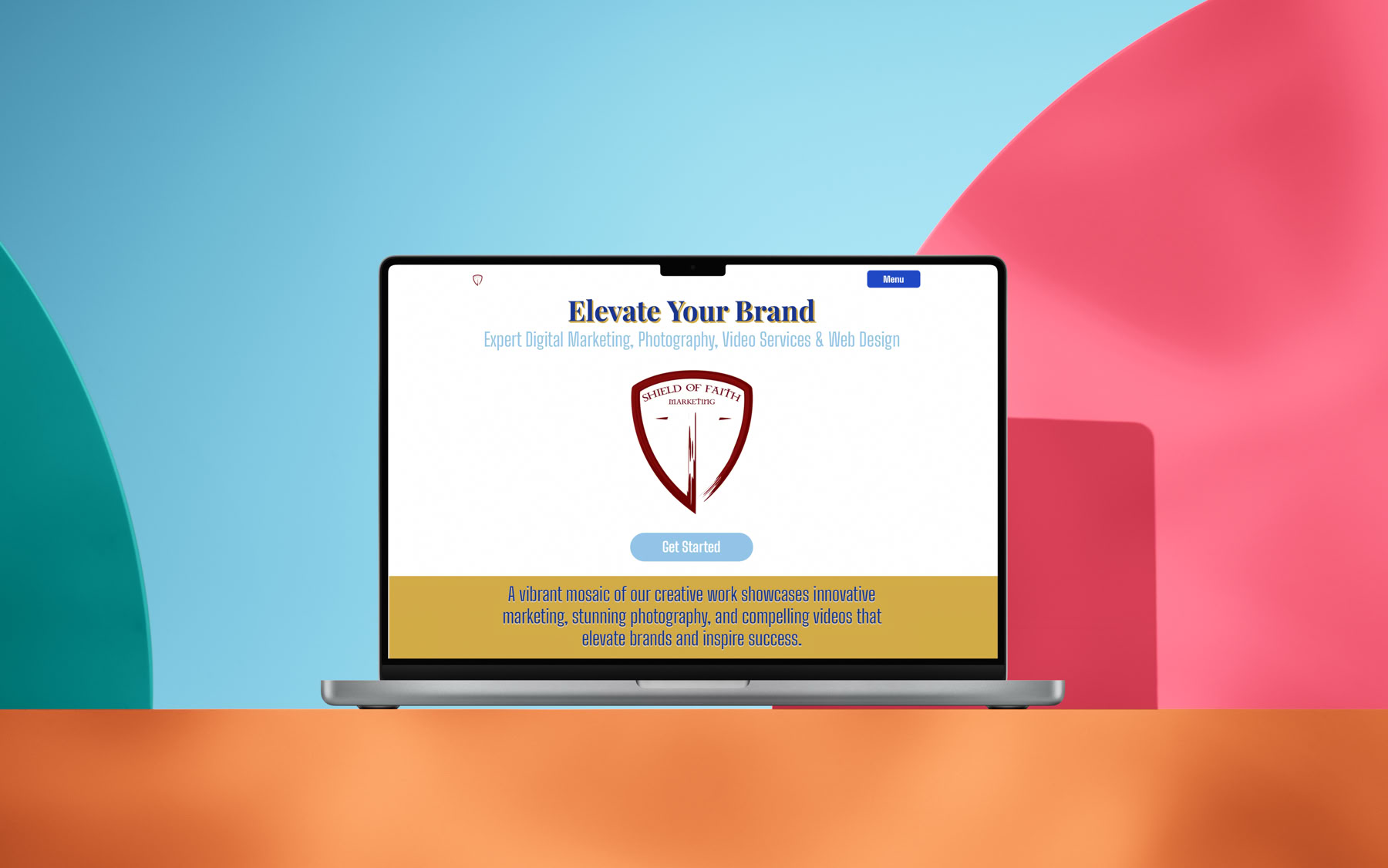
A laptop displaying a website with a shield logo and the text "Elevate Your Brand" on the screen, set against a colorful background with blue, red, and green shapes.

A great website isn’t just a digital billboard—it’s a conversion machine. For small businesses, where every click counts, smart design can turn visitors into customers without breaking the bank. At Shield of Faith Marketing, we’ve seen what works: clean, user-friendly layouts that deliver results. Here are five simple ideas to elevate your site and boost conversions.

1. Intuitive Navigation in Three Clicks

Nobody wants to hunt for what they need. Keep your menu simple—Home, About, Services, Contact—with dropdowns only if absolutely necessary (e.g., sub-services). Test it: can a first-time visitor find your pricing or contact form in three clicks? If not, streamline. Use bold, readable fonts like Lato or Open Sans, and stick to 5-7 menu items max. A sticky nav bar that stays visible as users scroll keeps options handy without clutter.

2. A Hero Section That Hooks

Your homepage’s top fold is prime real estate. Craft a hero section with a bold headline (e.g., “Grow Your Business Online Today”) and a crystal-clear value proposition (e.g., “Affordable Web Design That Converts”). Pair it with a high-quality image or video—think a smiling team or your product in action. Add a single, prominent call-to-action (CTA) button like “Get Started” in a contrasting color (e.g., blue on white). Keep it under 10 words total—short hooks convert faster.

3. Clear Calls-to-Action That Invite

CTAs are your conversion lifelines. Avoid aggressive “Buy Now” screams; go for gentle nudges like “Learn More” or “Request a Quote.” Place them strategically—after service descriptions, in the footer, or as floating buttons on long pages. Use button styles with subtle hover effects (e.g., a light shadow) to draw attention without overwhelming. Test two versions (e.g., “Contact Us” vs. “Talk to Us”) to see what clicks with your audience.

4. Fast-Loading Pages with Optimized Images

Speed kills bounce rates. Aim for a load time under 2 seconds—Google loves it, and so do users. Compress images to under 100KB using tools like TinyPNG, and use modern formats like WebP. Lazy-load below-the-fold images so the page renders instantly. A fast site builds trust; a slow one loses sales. Check performance with Google PageSpeed Insights and fix what lags—every second counts.

5. Clean, Responsive Layouts for Every Device

Your site should look flawless on phones, tablets, and desktops. Use a mobile-first design: start with a single-column layout, then add columns for larger screens. Ensure text is legible (16px minimum), buttons are tap-friendly (44x44px), and forms don’t overlap. Test on real devices. A responsive site keeps visitors engaged, no matter how they browse.

Why It Matters

These tweaks aren’t just aesthetics—they drive business. A well-designed site can increase conversions by 20% or more, according to HubSpot. Small businesses thrive when their online presence feels professional yet approachable.

Ready to transform your website? At Shield of Faith Marketing, we specialize in creating designs that convert. Visit sofmarketing.com to start building your online edge today.

Shield of Faith Marketing, LLC – Design That Delivers

#WebDesignTips #SmallBusinessWebsites #WebsiteConversion

01/26/2026

In a world where visuals rule, photography isn’t just art—it’s a tool to tell your story. At Shield of Faith Marketing, we believe every click of the shutter can reflect purpose, whether it’s capturing a small business’s heart or a church event’s spirit. Let’s dive into practical how-tos and technical know-how to elevate your brand’s images.

How to Get Started: The Basics

First, grab a camera—DSLR, mirrorless, or even a high-end smartphone works. Set it to manual mode to control exposure. Start with the exposure triangle: aperture (f-stop) controls depth of field (e.g., f/2.8 blurs backgrounds, f/11 sharpens all), shutter speed (1/250s freezes action, 1s blurs motion), and ISO (100 for bright light, 1600 for dim). Practice on a simple subject—like a coffee mug or a family member—adjusting each until the image feels right.

Technical Mastery: Lighting and Composition

Lighting is king. Natural light from a north-facing window at midday offers soft, even tones—perfect for portraits. For indoor shoots, use a softbox or bounce a flash off a white wall to avoid harsh shadows. The golden hour (sunrise/sunset) adds warmth; shoot at 45-degree angles to catch that glow. Composition-wise, follow the rule of thirds: imagine a 3x3 grid, place key elements (eyes, products) on the intersections. Avoid centering unless it’s deliberate—symmetry can feel static.

Gear and Settings: Going Deeper

Invest in a 50mm f/1.8 lens—cheap, sharp, and great for low light. For technical control, use RAW format over JPEG; it retains data for post-processing in Lightroom or Photoshop. Set white balance manually (e.g., 5500K for daylight) to avoid color casts. Metering mode? Spot metering for portraits locks focus on faces; evaluative for landscapes balances the scene. Tripods are non-negotiable for long exposures—try 30 seconds at f/11, ISO 100, to capture starry skies.

Editing for Impact:

Post-production polishes your work. In Lightroom, adjust exposure and contrast first, then tweak highlights and shadows for depth. Use the HSL panel to boost blues in skies or greens in nature shots. Keep edits subtle—over-saturation screams amateur. For branding, create a preset (e.g., warm tones, slight vignette) to unify your portfolio. Save as JPEG for web use, compressing to under 100KB without losing quality.

Faith-Inspired Tips for Small Businesses:

As a faith-driven photographer, infuse purpose. Photograph with intention—capture a baker’s hands kneading dough to show care, or a church choir’s joy to reflect community. Share your process on Instagram with #FaithInFocus, building trust with your audience. Offer free mini-sessions to local nonprofits to help build your portfolio and to skills into service.

Pro Tip: Test and Learn:

Practice with a 24-hour challenge: shoot 100 photos, edit 10, pick 1. Analyze what worked—sharpness, lighting, emotion. Join online forums or local camera clubs to swap critiques. Your growth fuels your brand.

Ready to elevate your visuals? At Shield of Faith Marketing, we blend technical skill with faith to create images that convert. Visit sofmarketing.com to see our portfolio and start your journey. Because great photography isn’t just seen—it’s felt.

Shield of Faith Marketing, LLC – Where Faith Meets Creativity

#PhotographyTips #BrandPhotography #FaithBasedBusiness

01/19/2026

Why Video is Dominating Social Media in 2026


If you've ever posted a stunning photo or witty caption only to get minimal engagement, you're not alone. In 2026, static content is increasingly overshadowed by video. Platforms are built around motion, emotion, and quick consumption—and the data proves video is king.


Key Video Statistics


Here's compelling evidence from recent reports:


91% of businesses use video as a marketing tool — the highest ever recorded (Wyzowl).

Short-form videos like Reels and TikToks deliver significantly higher engagement than static posts, with Reels often leading in reach and interaction on Instagram (Hootsuite & Socialinsider benchmarks).

Video content drives superior performance across platforms, with higher views, shares, and algorithm favoritism.

Users spend a substantial portion of their time on platforms watching videos, especially short-form formats like Reels.


The takeaway? Skipping video means limiting your content's potential in a feed dominated by dynamic media.


Why Video Wins Engagement


Algorithms Prioritize Motion Platforms like Instagram, TikTok, LinkedIn, Facebook, YouTube Shorts, and X push video content harder because movement captures attention and signals value.

Deeper Emotional Connections Video reveals authentic energy, humor, and personality in ways photos or text can't match.

Increased Dwell Time Longer watch times (even on short clips) tell algorithms your content is worth promoting. A fully watched 15-second video outperforms quick scrolls on static posts.

Higher Shareability Funny, relatable, or valuable videos spread faster, expanding reach organically.

Versatile Consumption Quick videos fit seamlessly into busy moments—like scrolling during a coffee break—where long text gets ignored.


7 Simple Video Ideas for Maximum Engagement (No Pro Equipment Needed)


Hook-First Reels/TikToks Start with: "The one mistake 99% of people make in [your niche]..." to spark instant curiosity.

Face-to-Camera Rants Share passionate, unscripted opinions on trends. Authenticity beats perfection.

Before/After Transformations Ideal for fitness, design, cooking, makeup, or any visual progress in your niche.

Text-on-Screen with Trending Audio No speaking needed—just overlay punchy text on trending sounds highlighting your product or service.

Day-in-the-Life Snippets Humanize your brand and build relatability quickly.

Answer Audience Questions Pull from comments or DMs to make followers feel involved and boost interaction.

Repost User-Generated Content Feature customers (with permission and credit) for authentic social proof and free material.


Pro Tips to Boost Reach


Hook viewers in the first 3 seconds with movement, bold text, or a question.

Upload natively to each platform (avoid cross-posting links—algorithms demote them).

Add captions—up to 85% of videos are watched on mute.

Post during peak audience times (use platform insights).

Include a strong CTA: "Double-tap if you agree," "Comment your thoughts," or "Save for later."

Jump on trends fast—within 24-48 hours for maximum momentum.


The Bottom Line


In 2026, video isn't a nice-to-have—it's essential for visibility and growth. You don't need high-end gear or a big team. Your phone, 15-60 seconds of real personality, and consistent effort are enough to get started.


Platforms reward video creators with better distribution. The question is: Will you join them?

Grab your phone, hit record, and watch engagement—and results—grow.


Your audience isn't scrolling for more photos. They're ready for you to hit play.


What's your first video idea this week? Share in the comments—I'd love to hear!


+1 326-214-3393

info@sofmarketing.com 


#SocialMediaTips #SocialMediaMarketing #DigitalMarketing #VideoMarketing #ReelsGrowth #VideoContent #ShortFormVideo #VideoEngagement

01/13/2026

In an era of algorithm chaos and privacy crackdowns, one thing hasn’t changed: people still buy from people—and brands—they trust.


At Shield of Faith Marketing, LLC, we’ve spent years helping businesses cut through the digital clutter, and we’ve discovered something powerful: when you build your marketing on a foundation of genuine faith-based principles—integrity, service, stewardship, and excellence—the results speak louder than any paid ad ever could.


Here’s how infusing faith into your digital marketing isn’t just “nice to have”; it’s your unfair advantage in 2026.


1. Trust Is the New Currency—And Integrity Builds It Fastest


Google’s algorithms, TikTok’s For You page, and your email open rates all have one thing in common: they reward trust signals.


When your messaging is rooted in honesty (no bait-and-switch funnels, no exaggerated claims, no dark-pattern pop-ups), your audience feels it.


Result? Higher engagement, lower bounce rates, and better ad performance because the platforms themselves push trustworthy content.


2. Storytelling That Actually Moves Hearts (Because It Comes From Yours)


People don’t remember stats—they remember stories.


At Shield of Faith Marketing, every campaign starts with the question: “How is this brand serving others?”


That servant-hearted approach creates narratives that resonate deeply, especially with the growing segment of consumers who want to support companies aligned with their values.


3. Community Over Clout


The loudest voice in the room is no longer the winner. The most helpful one is.


Faith-driven marketing flips the script from “Look at us!” to “How can we help you today?”

Whether it’s free value-packed webinars, authentic behind-the-scenes Reels, or responding to every single comment, this approach builds fierce loyalty—and loyalty drives lifetime customer value far beyond a single click.


4. Stewardship of Resources = Smarter Ad Spend


When you view your marketing budget as a resource entrusted to you, waste becomes unacceptable.


We treat every dollar like it belongs in an offering plate: maximum impact, zero fluff. That mindset consistently delivers our clients better ROAS than industry averages.


5. Long-Term Vision Beats Short-Term Hacks


Trend-chasing burns budgets. Building a brand that stands the test of time creates generational equity.


Our faith-based approach means we’re not here to help you “go viral” this week—we’re here to help you build a digital presence that glorifies your purpose for decades.


Ready to Market Differently?


In 2026, the brands that win won’t be the loudest or the flashiest. They’ll be the ones people trust enough to let into their feeds—and their lives.


If you’re tired of cookie-cutter campaigns that feel slimy and deliver short-lived results, let’s talk.


At Shield of Faith Marketing, we blend cutting-edge digital strategy with timeless biblical principles to create marketing that doesn’t just perform—it transforms.


Visit sofmarketing.com today and let’s build something that honors both your mission and your audience. Because great marketing isn’t about manipulating attention.


It’s about earning trust—and keeping it.


Shield of Faith Marketing, LLC

Where faith meets firepower in digital marketing.


#DigitalMarketing #FaithBasedBusiness #MarketingWithPurpose #ShieldOfFaithMarketing #FaithBasedMarketing #DigitalMarketing2026 #ChristianBusiness #TrustInMarketing #MarketingROI #PurposeDriven #StorytellingStrategy #EthicalAdvertising #SmallBusinessTips #FaithAndBusiness


Shield of Faith Marketing, LLC

Your Partner in Digital Success & Creative Storytelling

A blue circle with the white lowercase letters "in" inside. LinkedIn Logo.
A white musical note with a red and blue shadow effect on a black circular background. TikTok Logo.
A white camera icon with a circular lens and viewfinder on a gradient background of purple, pink, and orange. Instagram Logo.
A white lowercase "f" on a blue circular background. Facebook Logo.

© 2026 Shield of Faith Marketing, LLC

This website makes use of cookies. 

Please see our Privacy Policy for details.